The Brunel Museum
The Brunel Museum is just a short walk from Rotherhithe on the East London Line and is well-signposted from there.
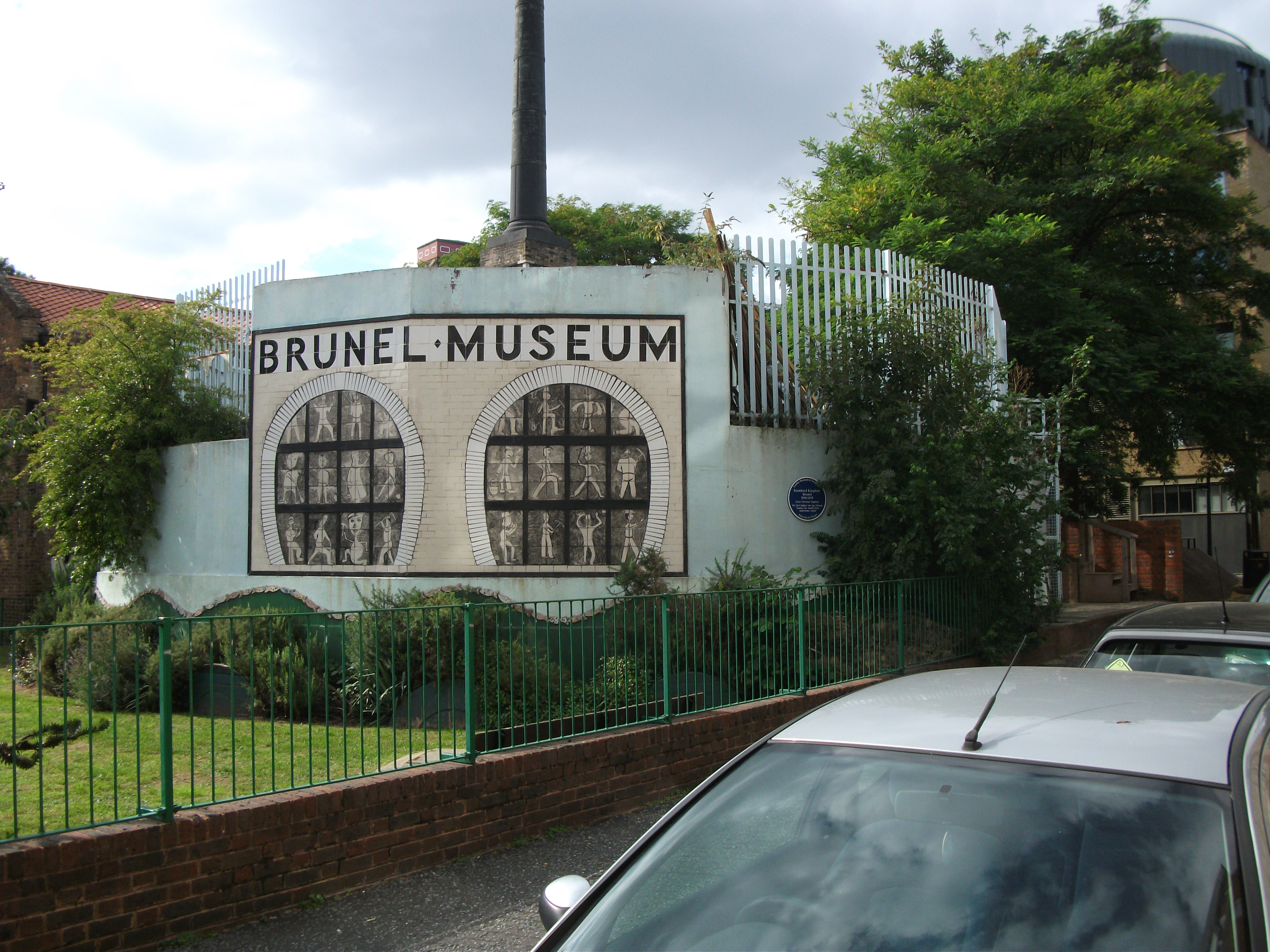
The Brunel Museum
It is a small museum with some good displays about Isambard Brunel and his often forgotten father, Marc. It is well worth the entrance fee of £2.
One of my most favourite books is the biography of Isambard Kingdom Brunel
Towards the Match
I was mainly gpoing to London to see Ipswich play at Millwall.
I didn’t take a direct route, as I had time to spare and wanted to do one or two things before the match.
So from Tottenham Hale, I took a couple of stops on the Victoria Line to Highbury and Islington, where I took the North London Line to Canonbury.
A house I am interested in, lies betwwen there and Dalston Junction and I wanted to see which was the nearest station. The first leg took eleven minutes and the second ten, so Dalston Junction is closer and will be a couple of minutes so, when they complete the station. It’s also downhill from Canonbury and flat to Dalston Junction, which means that it is an easy walk to Dalston to travel away and another easy one to get home from Canonbury. In some ways it won’t matter too much, as from May 2011, the two stations will just be two stops apart on the East London Line.
FRom Dalston Junction, I took the East London Line south to Rotherhithe, with the aim of seeing the Brunel Museum; which is one of the many museums on the line. I took this photo of the brickwork on the entrance to the station.

Brickwork at Rotherhithe Station
I’ve always liked good brickwork and in my life, I’ve designed and had built several important brick features including a traditional crinkle-crankle wall at Debach and my round office here. Are we training bricklayers to be able to do the difficult stuff? Ralph who did the wall, used to work in rubber gloves to save his hands and spent his holidays looking at buildig techniques all over the world. His colleagues used to laugh at him, but he certainly knew how to lay bricks.
Trying the iPad
I went into PC-World at Tottenham Hale to try an iPad. The reason is that I need a simple to use computer to take with me on my travels. Currently, I use a Samsung Netbook, but the keyboard isn’t the best for my hands.
So what do I need to do on the move.
- Browse the Internet.
- Send and receive e-mails.
- Update this blog.
- Buy travel tickets.
- I might want to write a few applications.
- I would also want it o be able to run my software Daisy, as I feel the two concepts are made for each other.
The iPad seems to fit a lot of these criteria and I was also able to use the touch screen keyboard easily. The last bit surprised me.
But the trouble with the iPad is that it’s an Apple product and is more about style rather than substance. I also feel strongly that the device needs to be Windows-based so that I can run Daisy. That may seem a bit of a small need, but just wait until I find a suitable Windows-based one and install Daisy!
Thanks though to Kevin in PC-World, who showed me professionally what the device can do!
 The Anonymous Widower